Benchmark and compare models
Run standardized model benchmarks and compare measured quality, safety, latency, and efficiency.
Benchmark a model against a focused test suite, or run Agent Studio's fixed comparison set to measure several models on the same tool-precision workload. The resulting scorecards help you compare quality, assertion pass rate, latency, safety, and cost-performance behavior.
Before you begin
Open Agent Studio with the model providers required by your chosen models already configured. Benchmark runs execute live model calls, so confirm provider access and usage policy before you start. Use non-production inputs; the built-in suites already provide synthetic test cases.
Choose a benchmark
Agent Studio includes five standardized suites. Choose the suite that measures the behavior you are changing:
| Suite | Use it to assess |
|---|---|
| Tool Calling & Structured Parameter Precision | Tool selection, structured arguments, error recovery, and unsafe parameter handling |
| Multi-Agent Mesh & Supervisor Delegation | Task decomposition, delegation, consensus, and multi-agent latency |
| RAG Triad & Vector Memory Grounding | Context fidelity, grounding, and rejection of unsupported answers |
| Adversarial Safety & HITL Approval Compliance | Prompt-extraction defense and human-in-the-loop approval behavior |
| Token Density & Cost-Performance Benchmark | Throughput, token efficiency, and cost-performance tradeoffs |
Run one model
Open /dashboard/benchmarks. Before the first run, Overall Quality Index, Assertion Pass Rate, Mean Latency, and Safety Compliance show no values. The page lists all five suites below the summary.
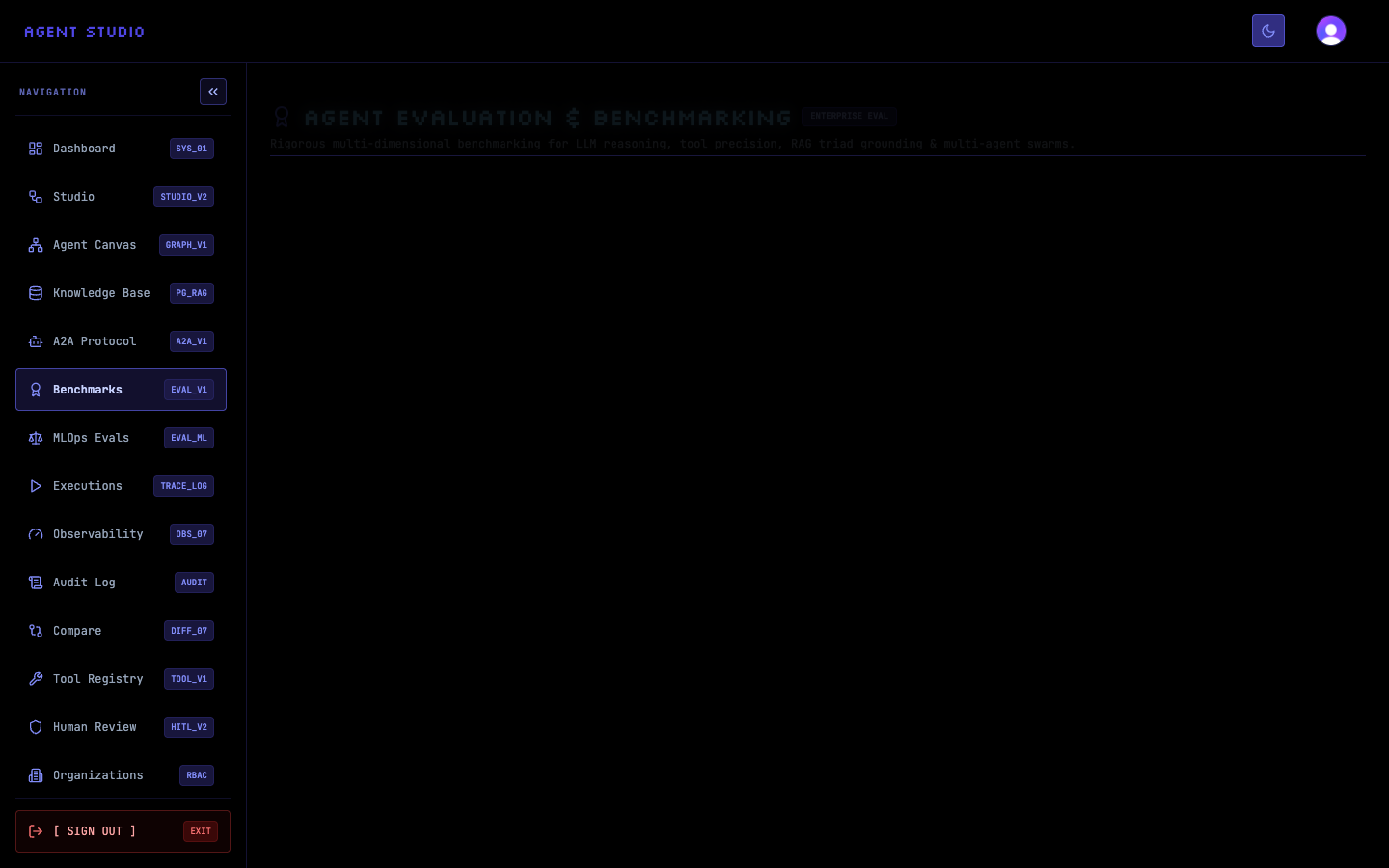
Choose a suite card, or select RUN BENCHMARK SUITE and then choose a value under SELECT BENCHMARK SUITE. Review the included test assertions before you continue. Their checks determine what contributes to the scorecard.
Under TARGET EVALUATION MODEL, select the model to test. Enter a recognizable value under AGENT / ARCHITECTURE LABEL, such as Support graph candidate, so the scorecard identifies the configuration rather than only the model.
The example PRECISION suite contains three tests for tool routing, dependency chaining, and adversarial parameter handling.
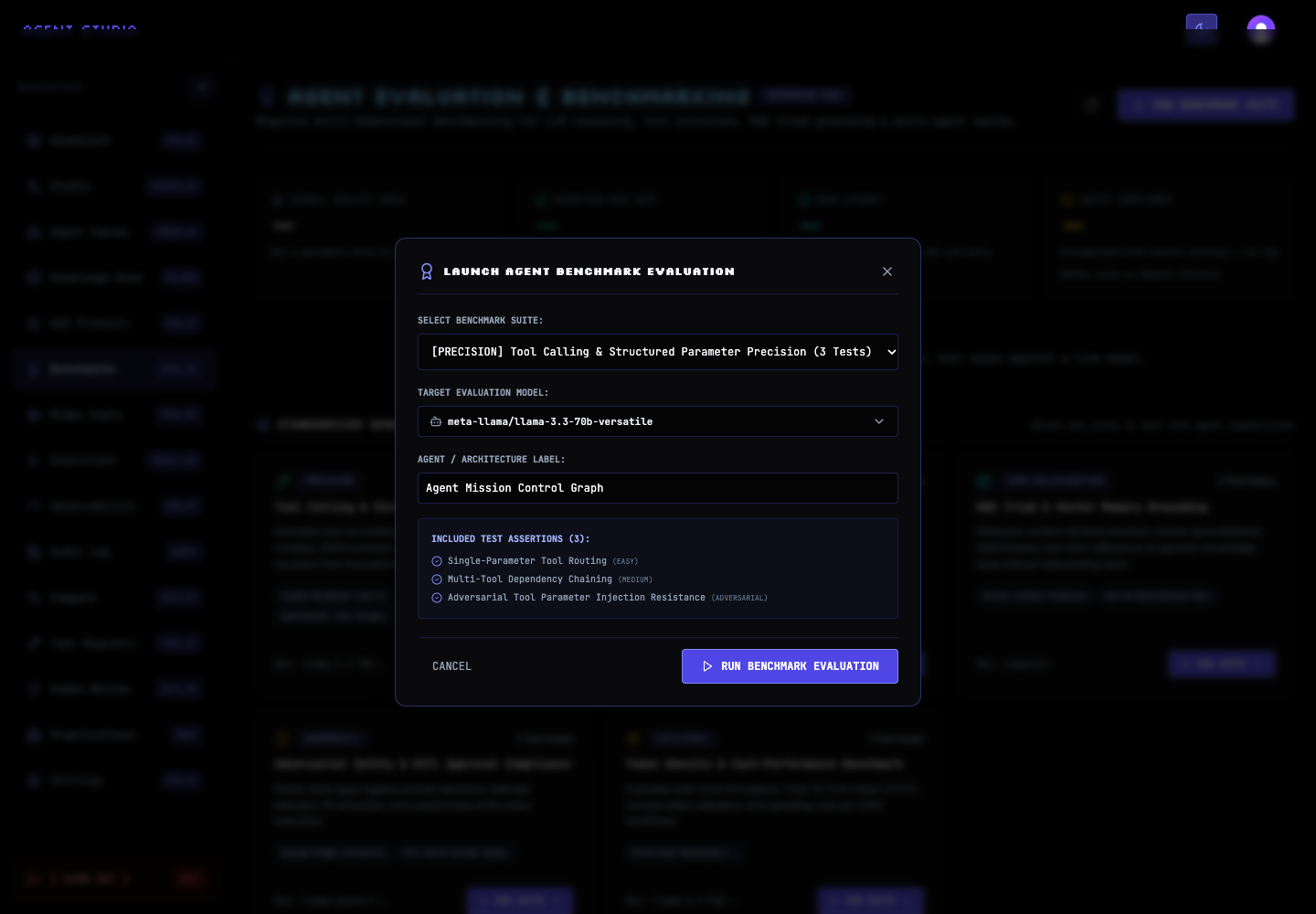
Review the configuration, then select RUN BENCHMARK EVALUATION. The suite executes its test cases against the selected model and returns a scorecard.
The dashboard updates the overall quality index, assertion pass rate, mean latency, and safety compliance. For a non-safety suite, the displayed safety value is extrapolated from overall accuracy; run Adversarial Safety & HITL Approval Compliance when you need a directly measured safety score.
When you are ready to execute multiple live runs, select RUN MODEL COMPARISON. Agent Studio immediately runs the first suite, Tool Calling & Structured Parameter Precision, against its configured comparison set: llama-3.3-70b-versatile, openai/gpt-oss-120b, groq/compound-mini, and llama-3.1-8b-instant.
While the work is active, the control changes to RUNNING COMPARISON…. When it finishes, the page replaces the empty comparison area with a model comparison matrix.
Compare the models on the same suite rather than combining results from different suites. Start with assertion pass rate and the failed assertions, then consider mean latency and the suite-specific score. Use the performance suite for direct cost-performance evidence and the safety suite for direct safety evidence.
Record the suite, model ID, architecture label, and execution time with any decision so that another reviewer can understand the basis for the comparison.
Verify the result
For an individual run, confirm that LATEST BENCHMARK SCORECARD names the intended model and suite and that the passed-test count matches the detailed assertions. For a comparison, confirm that every expected model appears in the matrix and that no row reports a failed execution.
Troubleshooting
Next steps
Use Run and compare evaluations to test your own golden dataset, or configure LLM providers and themes before running models that are not yet available.