Synthesize a skill from a goal
Turn a natural-language goal into a reviewable agent graph with matching MCP service recommendations.
Describe an automation goal and generate a proposed agent graph, workflow steps, and matching Model Context Protocol (MCP) services. You can review the proposal without saving it, then choose whether to install the synthesized skill.
Before you begin
Sign in to Agent Studio and confirm that an LLM provider is available. MCP recommendations depend on the services discoverable from the configured directories, so a useful graph can still include services marked for manual configuration when no directory match exists.
Generate a proposal
Open the Skills Studio at /dashboard/skills, then select SYNTHESIZE. The GENERATE GRAPH control remains unavailable until the goal field contains text.
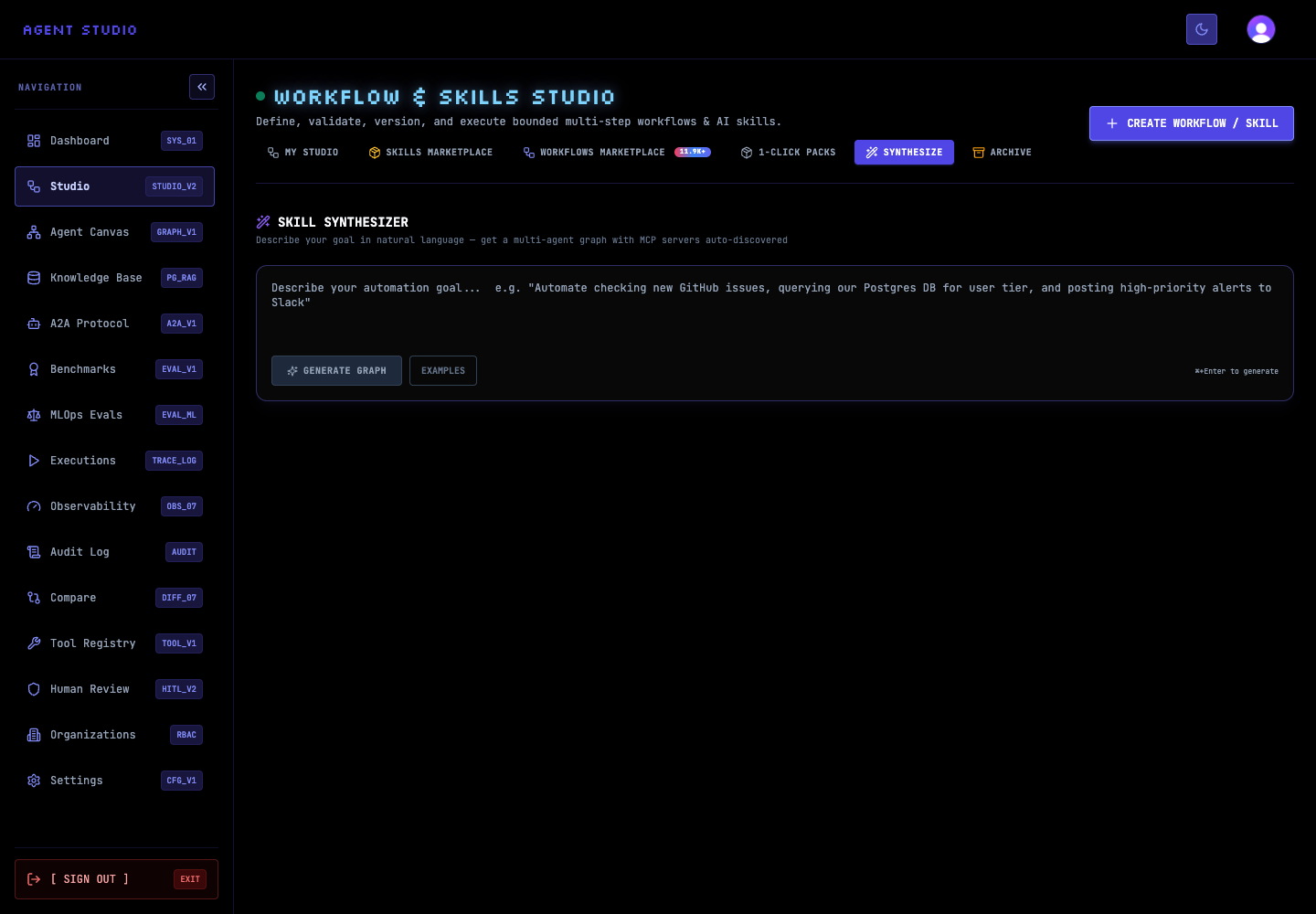
The page also offers EXAMPLES for common workflow shapes. Use an example as a structural starting point, then replace its systems and outcome with your own supported requirements.
Enter the outcome, source information, decisions, destination, and any required human approval in plain language. For example:
This synthetic example gives the model a source, a deliverable, an approval boundary, and a destination without exposing sensitive data.
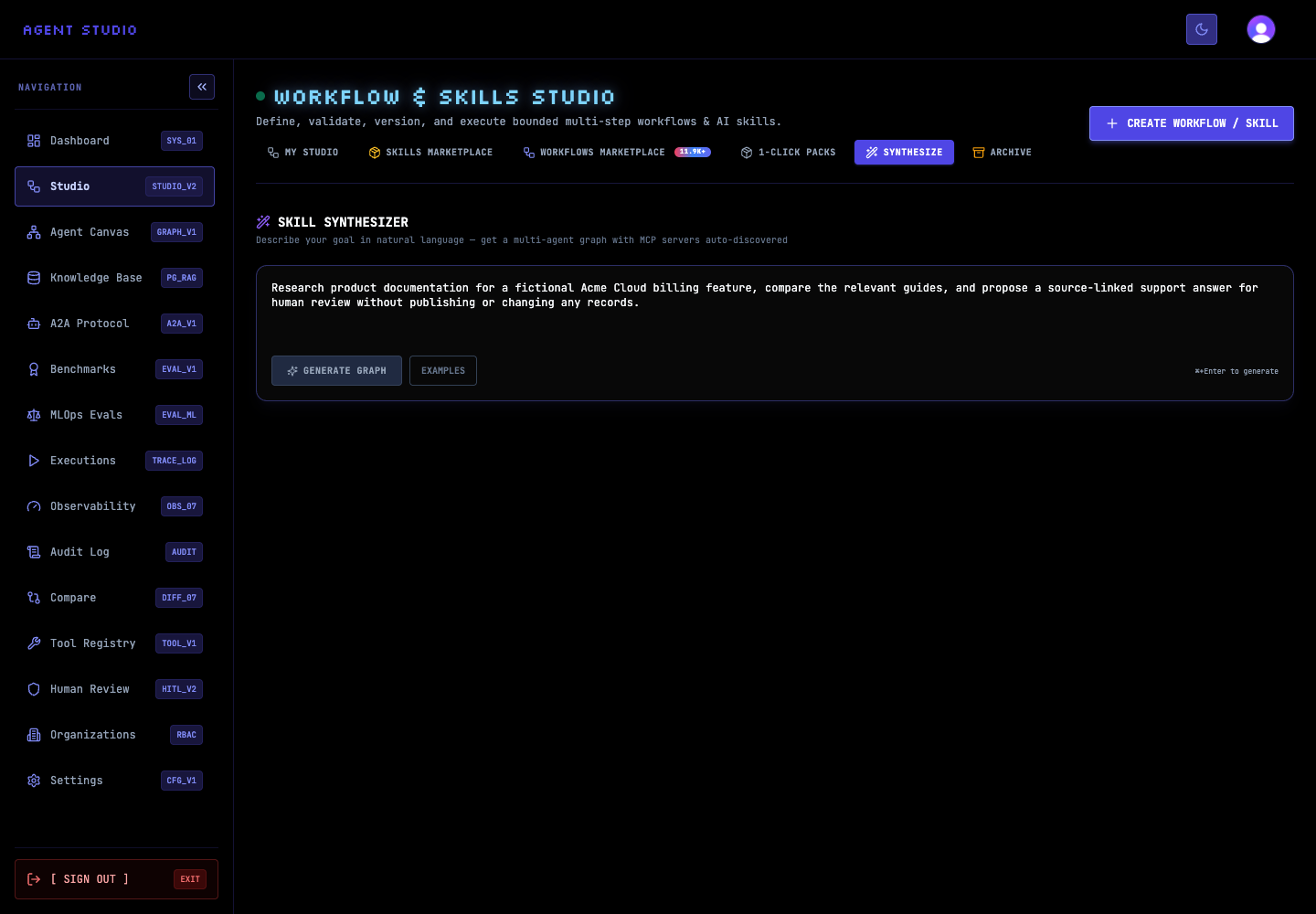
Select GENERATE GRAPH, or press Control+Enter or Command+Enter. Agent Studio asks the configured LLM to analyze the goal, construct a version-1 graph, and identify relevant MCP services.
Wait for the result area to replace the generating state. Generation alone does not create a skill: the initial request returns the proposal with no installed skill ID.
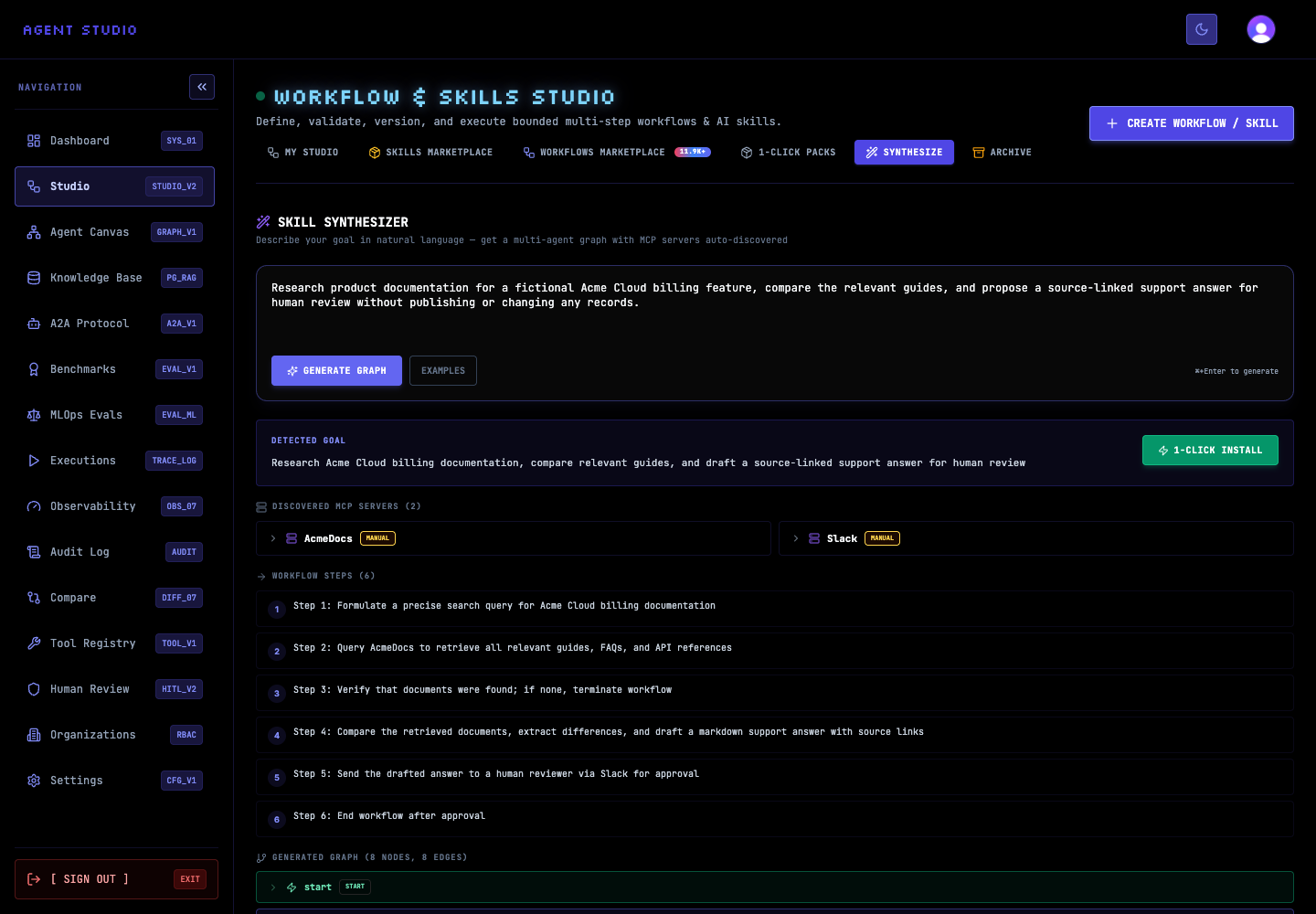
Read Detected Goal first and confirm it preserves your intended outcome. Then inspect WORKFLOW STEPS in order and expand entries under GENERATED GRAPH to review node types, prompts, tools, and any human-in-the-loop approval nodes.
Under DISCOVERED MCP SERVERS, expand every recommendation. FOUND means Agent Studio matched a directory entry; MANUAL means no match was found and the service needs manual configuration. A recommendation is not proof that an external service is reachable or correctly authorized.
If the proposal is incomplete, edit the goal and select GENERATE GRAPH again. State the missing constraint explicitly—for example, “Require approval before sending the summary”—instead of relying on the model to infer it.
If the proposal is suitable, select 1-CLICK INSTALL. This runs synthesis again with automatic mounting enabled, attempts to mount matched MCP servers, and creates the skill. Successful installation changes the state to INSTALLED and offers OPEN IN CANVAS.
Verify the result
Before installation, confirm that the page shows all four review areas: Detected Goal, DISCOVERED MCP SERVERS, WORKFLOW STEPS, and GENERATED GRAPH. Check that the graph has a coherent start-to-end path and that approval nodes appear wherever a person must decide.
Troubleshoot synthesis
Next steps
Open the installed result in Create an agent graph to refine its nodes, then Preview and debug the graph before running it with external tools.