Visualize and evaluate RAG quality
Inspect the embedding space and evaluate the relevance, groundedness, and usefulness of knowledge-based answers.
Visualize how stored knowledge chunks relate in embedding space and evaluate whether a generated answer uses relevant context faithfully. Use these checks when retrieval misses expected material, unrelated collections overlap, or an answer needs a more deliberate quality review.
Before you begin
You must be signed in to Agent Studio. A useful cluster map requires ingested documents with embeddings. A RAG Triad evaluation requires a non-empty query and generated answer; retrieved context can be empty, but that absence affects how you should interpret the result.
The map projects as many as 300 account-scoped chunks from their stored embedding dimensions into two dimensions using principal component analysis (PCA). Distances in this view are a diagnostic approximation, not a relevance score or proof that two documents say the same thing.
Inspect the vector map
Open 2. Hybrid Search & RAG, enter the question you want to analyze, and choose a Collection if the investigation should be scoped.
The vector map uses the current search query and collection when it loads. A specific question makes the query point more useful than an unrelated default query.
Select 3. 2D Vector Cluster Map (PCA). Agent Studio loads stored chunks and projects their embeddings into the 2D Principal Component Analysis (PCA) Vector Space.
The legend identifies collections, their chunk counts, and the Query Pin when a query embedding is available.
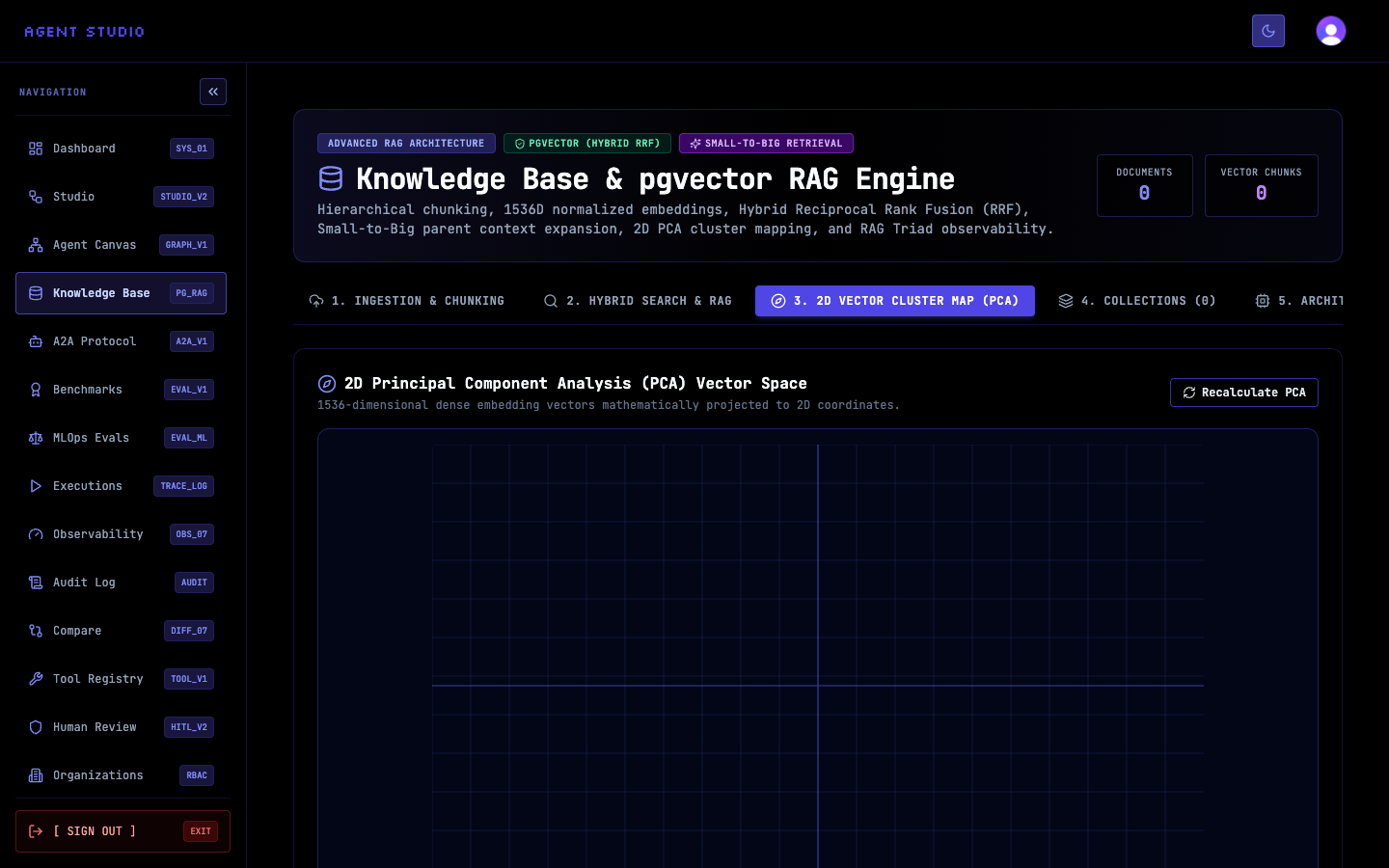
Compare the query pin with nearby document chunks and inspect how each collection groups across the map. A query point near a cluster can suggest semantic similarity; a scattered collection can indicate that it covers several subjects.
Do not compare raw screen distance with Min Similarity. Search ranking uses the underlying embeddings and retrieval settings, while the chart compresses them into two dimensions.
After ingesting, deleting, or re-chunking content, select Recalculate PCA. Confirm that the legend and plotted points reflect the collection you intended to inspect.
If the query embedding cannot be generated, Agent Studio can still render the stored chunks without the query pin.
Evaluate a grounded answer
Return to 2. Hybrid Search & RAG, run the query, and inspect the retrieved chunks. Adjust Collection, Top-K, and Min Similarity until the evidence set contains material that can answer the question.
Select Synthesize Grounded RAG Answer. After Agent Studio receives the answer, it evaluates the query, the retrieved context chunks, and the generated answer.
The RAG Triad Observability & Grounding Audit reports context relevance, groundedness, answer relevance, an overall score and grade, hallucination risk, and a verdict.
Check whether the retrieved context matches the query, whether the answer is supported by that context, and whether the answer directly addresses the question. Review the details beside each score instead of relying only on the overall grade.
The overall score weights groundedness at 40% and context relevance and answer relevance at 30% each. A strong overall score can still conceal a weaker individual dimension.
Open 5. Architecture & RRF Benchmarks to see where the audit belongs in the full workflow: ingestion, parent-context handling, vector creation, hybrid ranking, and RAG Triad audit.
Verify the analysis
For the cluster map, confirm that the collection legend and plotted points change when you change the collection or stored content. For answer evaluation, verify that all three metric details describe the query and generated answer you just reviewed.
Troubleshoot quality analysis
Next steps
Use Search and answer from knowledge to tune the retrieval controls, or Manage knowledge documents to inspect and remove problematic source material.