Delegate an A2A task
Select an A2A endpoint, send a task, and interpret synchronous or streamed results.
Delegate a focused task to an Agent-to-Agent (A2A) endpoint and confirm that the selected agent returns a result. Use the dashboard for an interactive delegation, or call the task endpoint directly when your client needs synchronous JSON or Server-Sent Events (SSE).
Before you begin
You need a running Agent Studio instance with a configured LLM provider. To use the dashboard, sign in and open Agent-to-Agent Protocol Suite at /dashboard/a2a. Before targeting a remote agent, use Discover A2A agents to verify its manifest and task endpoint.
POST /api/a2a/tasks does not perform an authentication check. If the Agent Studio origin is reachable outside a trusted network, put an authenticated gateway or equivalent access control in front of this route. The route also permits cross-origin responses.Delegate from the dashboard
Identify an agent whose manifest advertises the capability required by your task. Record its task endpoint and capability ID; a successful discovery does not prove that the agent can fulfill every prompt.
For the local Agent Studio server, the task endpoint is /api/a2a/tasks. The route defaults to visual_graph_orchestration if a client omits the capability.
In Agent-to-Agent Protocol Suite, open Live A2A Task Delegation. Confirm that the form shows Target A2A Task Endpoint, Required Capability ID, and Task Execution Prompt & Instructions.
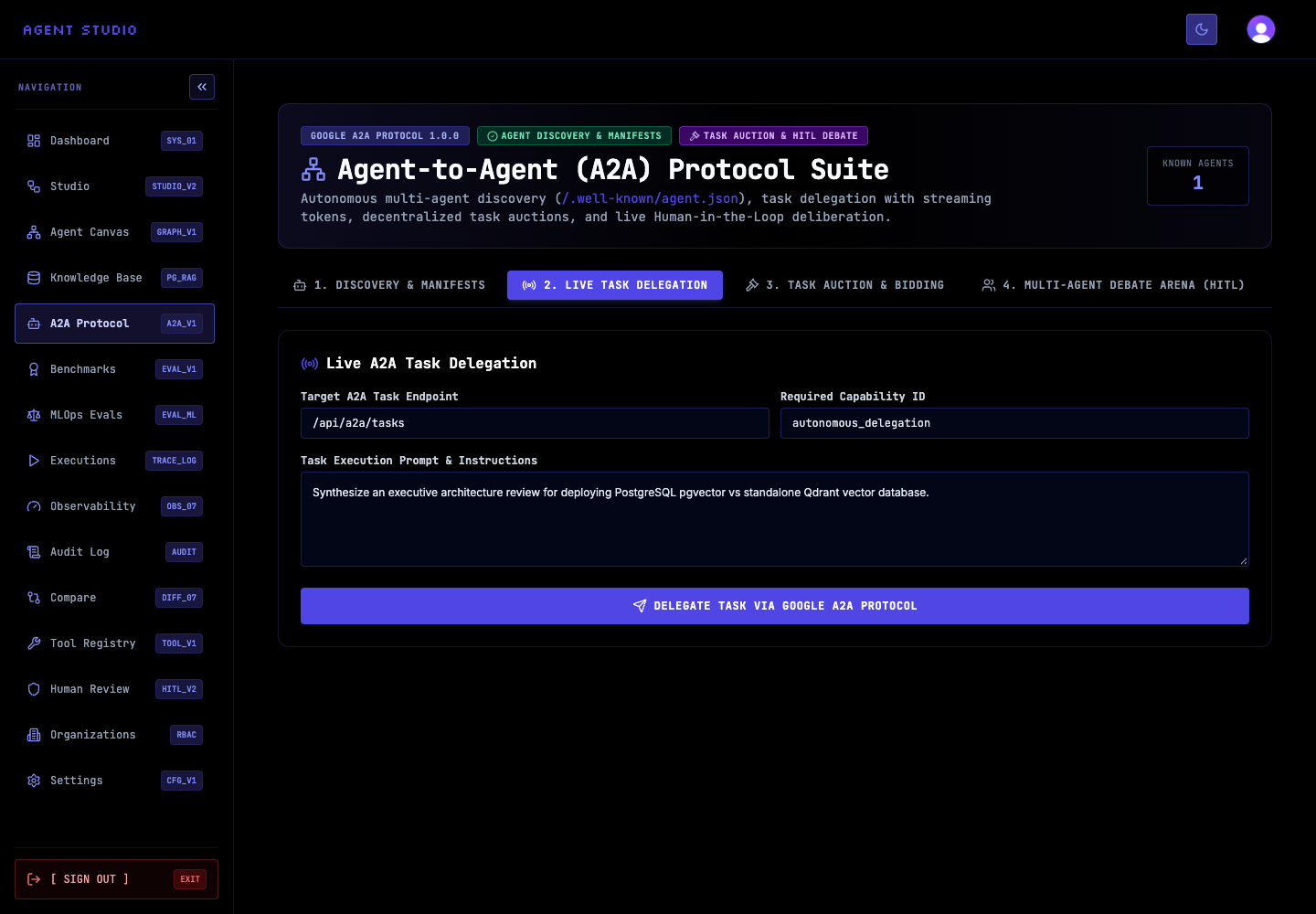
Set Target A2A Task Endpoint to the endpoint from the selected manifest. Enter the exact capability ID in Required Capability ID. For a local documentation check, use /api/a2a/tasks and autonomous_delegation only when that capability is available in the selected agent.
The completed fields identify where Agent Studio sends the request; they do not start execution.
In Task Execution Prompt & Instructions, state one outcome and any limits. For example:
Summarize the visible A2A manifest fields for a documentation example.
Do not execute tools or modify data.
Review the endpoint, capability, and prompt before sending. Do not place credentials, personal data, or production content in the task.
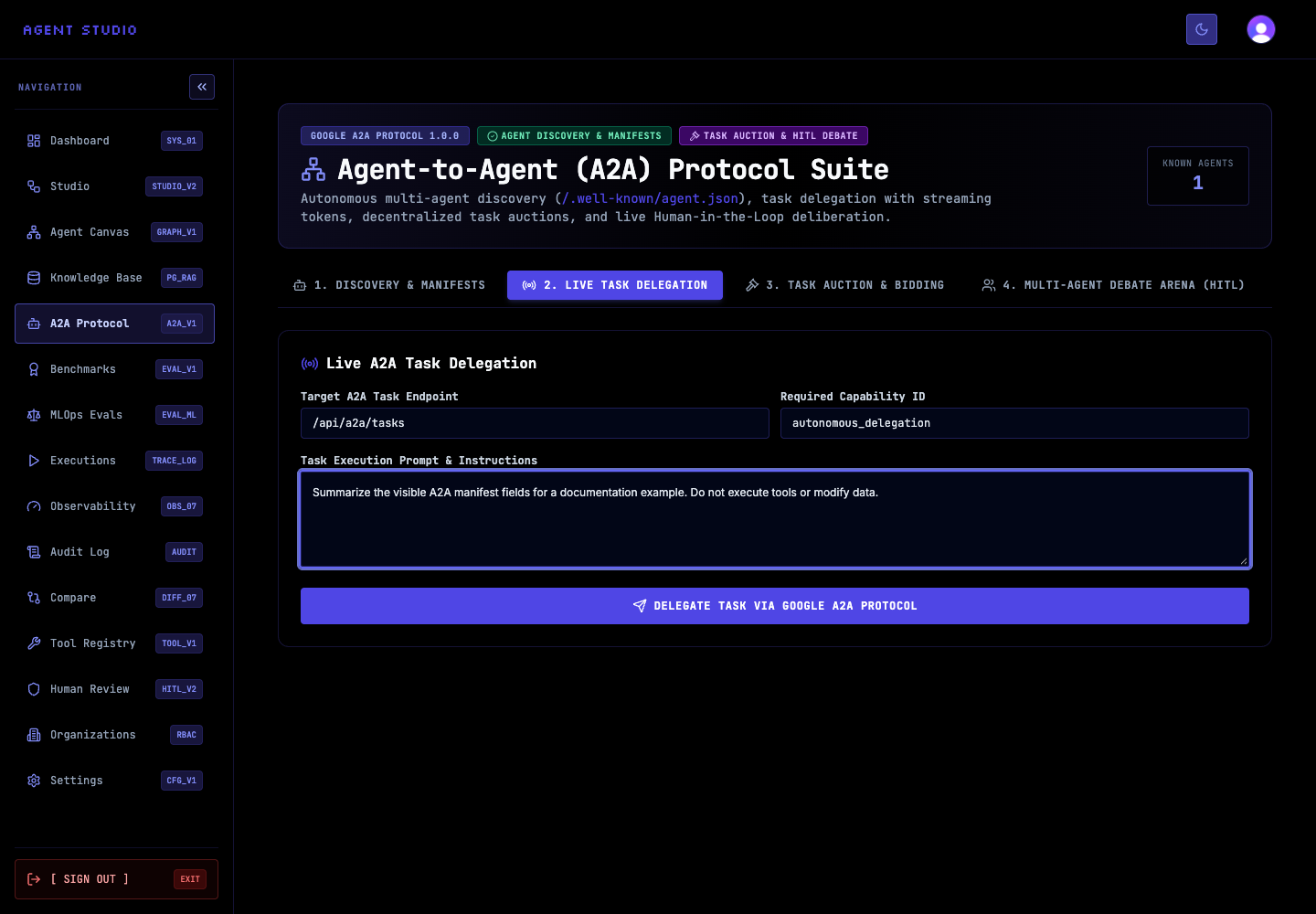
Select Delegate Task via Google A2A Protocol. Keep the page open while the selected endpoint processes the prompt.
For a synchronous request, the local route returns a generated taskId, status: "completed", the model output, the executing runtime, the selected capability, and timing information. A client-provided taskId is preserved; otherwise, Agent Studio creates one.
Confirm that the response belongs to the task you sent and that its output addresses the prompt. Treat model-generated content as untrusted until you review it, especially before using it in another tool or workflow.
status: "completed" and the expected taskId. A streamed delegation is complete only after the client receives data: [DONE].Call the endpoint directly
Use the same JSON body for either delivery mode. Replace https://agent-studio.example.com with your protected Agent Studio origin.
curl --request POST \
  --header 'Content-Type: application/json' \
  --data '{
    "taskId": "docs_manifest_summary_01",
    "capability": "visual_graph_orchestration",
    "input": {
      "prompt": "Summarize the manifest fields. Do not execute tools or modify data."
    }
  }' \
  'https://agent-studio.example.com/api/a2a/tasks'
The response is one JSON object with the final output.
Troubleshooting
Next steps
Use Run A2A auctions and debates when several agents should bid for a task or discuss a question. To accept delegations from other clients, expose Agent Studio through A2A.