Discover A2A agents
List Agent-to-Agent services, inspect a manifest, and discover a remote agent safely.
Discover Agent-to-Agent (A2A) services and inspect the endpoints, identity, and capabilities each agent publishes. You can browse the configured registry, review Agent Studio’s local manifest, or fetch one remote manifest by URL.
Before you begin
Open Agent Studio in a browser. You can list the configured directory and retrieve the local manifest without a Clerk session, but remote URL discovery requires you to sign in. If an administrator configures an upstream registry, it must return JSON with an agents array; otherwise Agent Studio uses its built-in presets.
Discover an agent
From the Agent Studio dashboard, open A2A Protocol and stay on the discovery and manifests tab. The page lists the known agents and selects a local agent so you can inspect its published details.
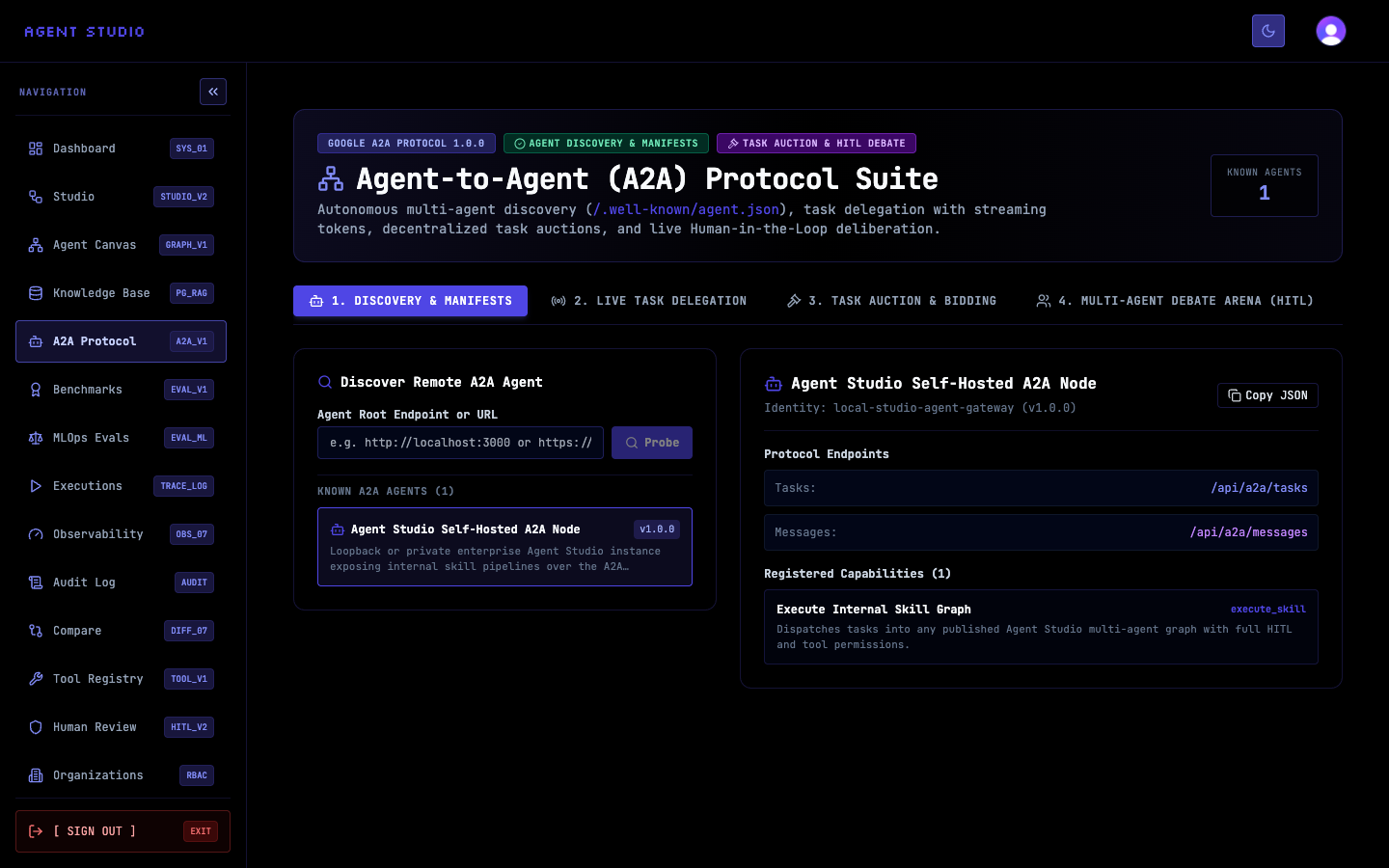
The fixture shown in the image is sample state. In your environment, use the agent names and endpoints returned by your configured registry or built-in presets.
Select an agent from Known Agents. Confirm its display name, stable identity, and protocol version before examining its capabilities.
For Agent Studio itself, GET /api/a2a/manifest returns a dynamic manifest whose endpoint URLs use the request origin. This keeps the task, message, stream, and health URLs aligned with the Agent Studio instance you queried.
Under Protocol Endpoints, inspect the task and message destinations. Then review Registered Capabilities, including each capability’s identifier and any input or output schema.
Select Copy JSON when you need the complete manifest for a client configuration or a review record.
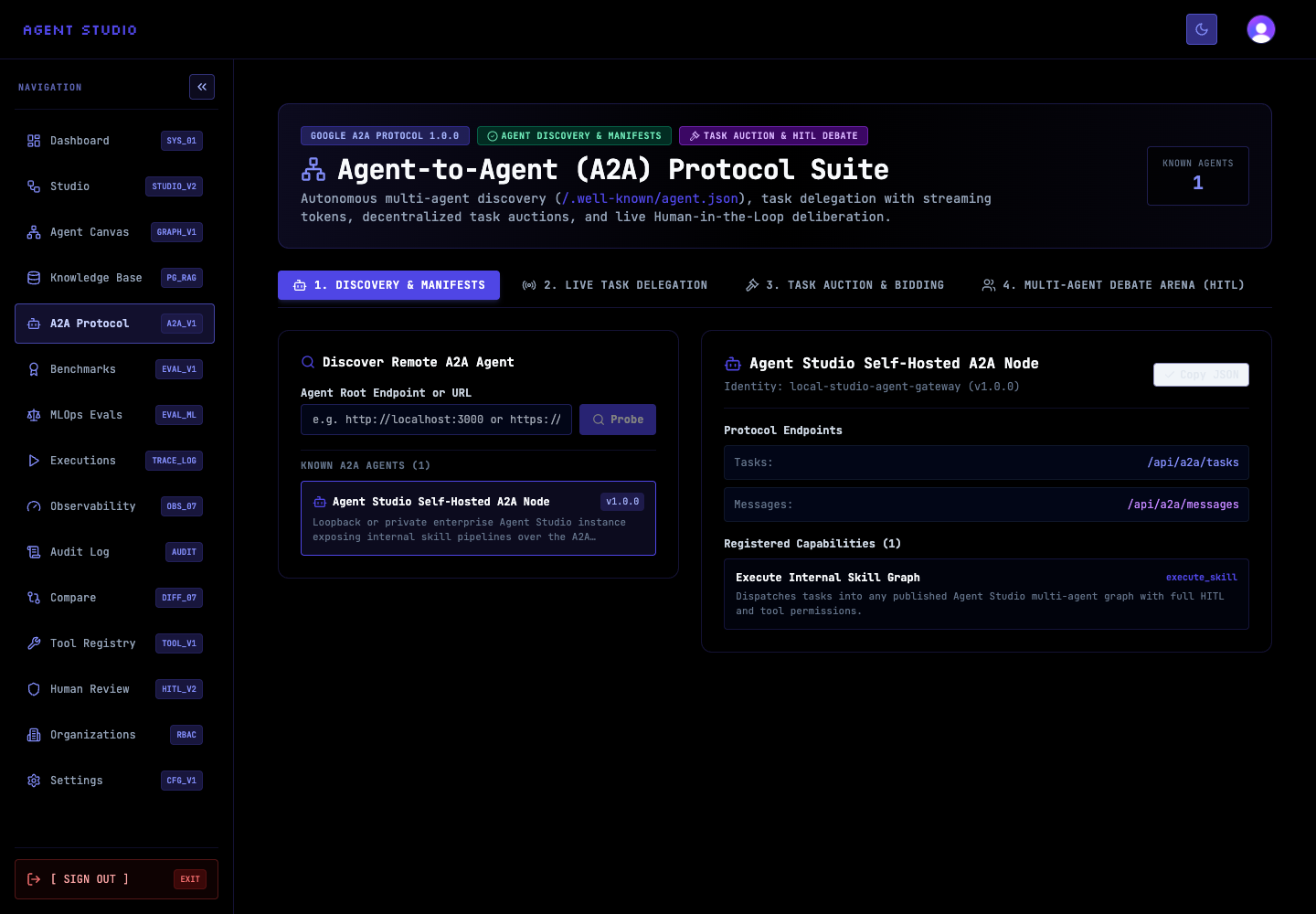
Store copied JSON as configuration data, not as a credential. Re-fetch it when the remote agent changes version or endpoint locations.
To inspect the discovery response directly, request the directory without a url parameter:
curl 'https://studio.example.com/api/a2a/discover'The response contains presets and a source. When A2A_REGISTRY_URL is configured, Agent Studio requests manifests from that upstream registry and can authenticate with A2A_REGISTRY_TOKEN; if it is unavailable or not configured, discovery falls back to built-in presets.
While signed in, supply the remote manifest URL in the url query parameter. URL-encode the value when constructing the request:
curl --get 'https://studio.example.com/api/a2a/discover' \
  -H 'Cookie: <clerk-session-cookie>' \
  --data-urlencode 'url=https://agent.example.com/.well-known/agent.json'
A successful request returns success: true and the fetched manifest. Remote discovery is rate-limited per signed-in user. An unauthenticated request returns HTTP 401; a discovery failure returns HTTP 400 with an error message.
Compare the remote agent’s name, version, provider, endpoints, authentication requirements, capabilities, and schemas with the client workflow you plan to build. Confirm that every endpoint uses the expected origin and a transport your client supports.
Do not delegate work as part of discovery. Record the selected capability ID and required input shape for the later delegation test.
Verify discovery
Troubleshoot discovery
Next steps
Use Delegate an A2A task to send synthetic input to the selected capability, or Expose Agent Studio through A2A to publish the local manifest to other clients.