Review audit events
Search, filter, inspect, and export personal or organization audit records.
Review activity recorded for skills, executions, approvals, and tools, then export the matching personal records when you need a JSON artifact. Administrators can also query organization-wide records through the organization audit API when their role grants audit access.
Before you begin
Sign in to Agent Studio. The Audit Log dashboard shows records associated with your user. For organization-wide retrieval, you must be an organization member whose effective permissions include audit-log viewing; this includes the built-in viewer-or-higher access described by the route and custom roles with audit:view.
Use synthetic search terms when demonstrating the workflow. Audit details can contain identifiers and action context that should be handled according to your organization's access and storage policies.
Review personal events
Open /dashboard/audit. The page loads up to 200 matching personal records and presents TIMESTAMP, ACTION, EXECUTION, and DETAILS columns. If there are no events, the page shows NO AUDIT ENTRIES, and EXPORT JSON remains disabled.
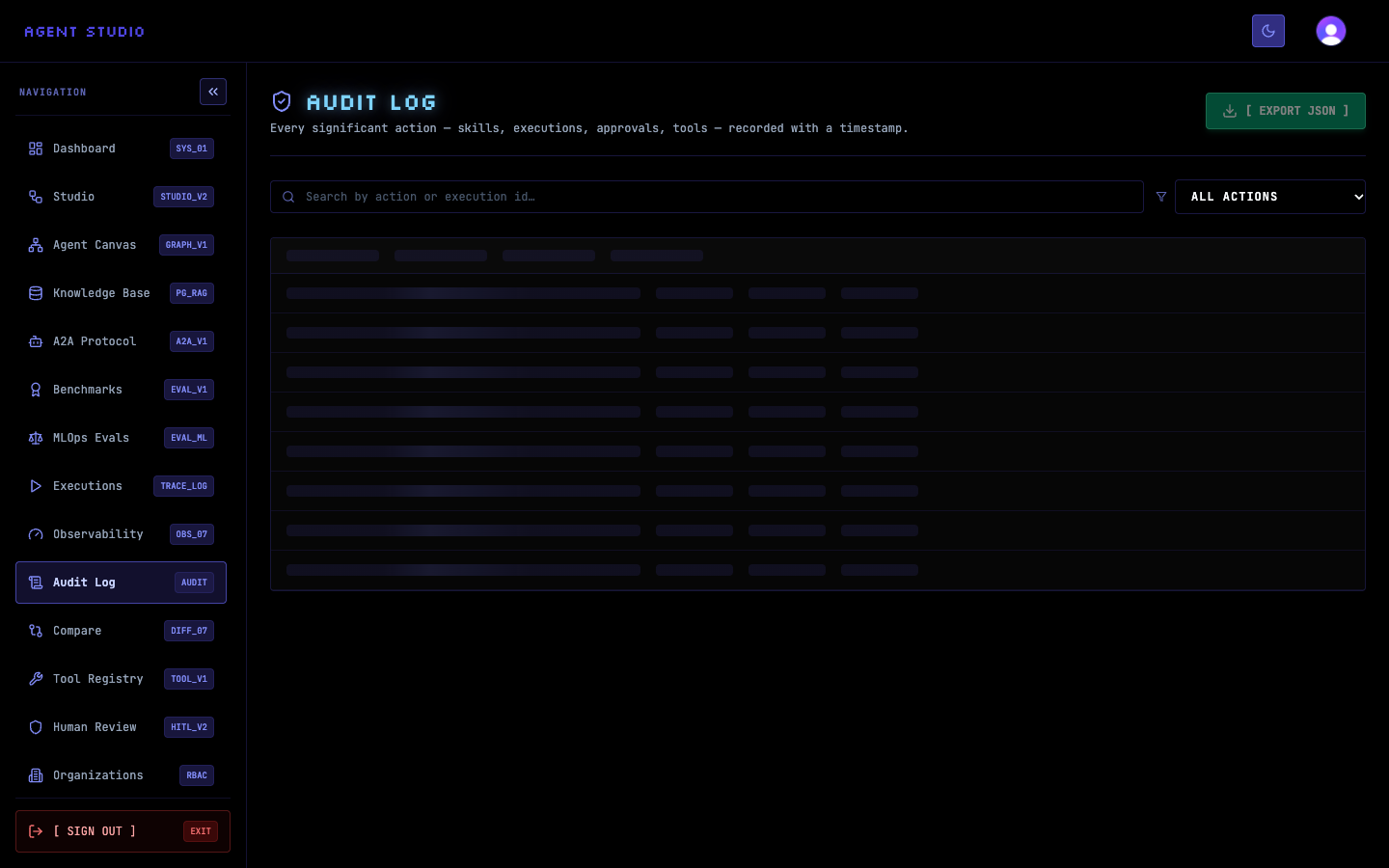
Enter a whole or partial action or execution identifier in Search by action or execution id…. The dashboard applies the search after a short pause and refreshes the result list.
For example, enter approval to find approval-related records. An empty result means no personal record matches the current search and action filter; it does not prove that no organization member performed that action.
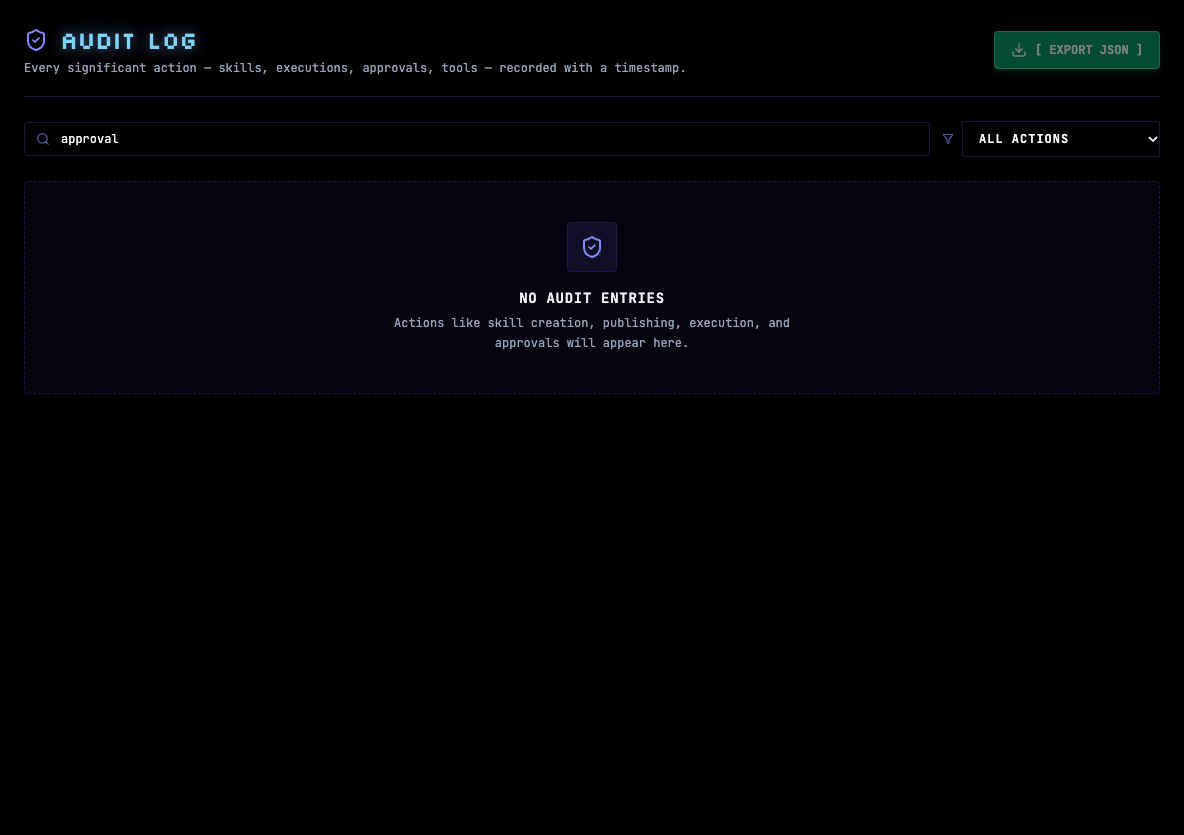
Open Filter by action and select the exact event type you need. Available values include skill creation, update, publication, archival, and deletion; execution start, completion, failure, cancellation, and replay; approval request, approval, and rejection; and tool execution.
For an approval review, select APPROVAL_REQUESTED, APPROVAL_APPROVED, or APPROVAL_REJECTED. Search and action filters combine, so clear the search field if it excludes the selected event type. Select ALL ACTIONS to remove only the action filter.
Read TIMESTAMP to establish when the action occurred, ACTION to identify its event type, and EXECUTION to correlate an execution where one is present. DETAILS displays the event's JSON details; long content is truncated in the table, and the full serialized value is available from the row's details tooltip.
Use the execution identifier to continue the investigation in the execution trace. Do not infer an actor, organization, or outcome from an action label alone; use the record details and related execution as the supporting context.
Keep the intended search and action filters in place, then select EXPORT JSON. The dashboard requests an export with those filters and downloads a file named audit-log-YYYY-MM-DD.json.
The success notification reports the number of exported entries. Store the file only where its contents have the same access protection as the dashboard. If no rows match, export remains disabled.
Query a date range
The personal audit API supports filters not exposed by the dashboard: from, to, and limit. Dates must be valid ISO date values, and limit must be a positive number.
curl --fail-with-body \
  --get "https://agent-studio.example.com/api/audit" \
  --header "Cookie: __session=<session-token>" \
  --data-urlencode "action=EXECUTION_FAILED" \
  --data-urlencode "from=2026-09-01T00:00:00Z" \
  --data-urlencode "to=2026-09-30T23:59:59Z" \
  --data-urlencode "limit=100"
Add export=1 to request the JSON export payload instead of the normal list response. Keep session values out of shell history and shared logs.
Review organization records
Use GET /api/organizations/:id/audit for organization scope. This route checks the caller's organization permissions before returning records.
Choose an organization ID and optional action, userId, startDate, and endDate filters. Use limit and offset for pagination. The service limits each retrieval to at most 500 records, even if a larger limit is requested.
Send the query with an authenticated Clerk session:
curl --fail-with-body \
  --get "https://agent-studio.example.com/api/organizations/<organization-id>/audit" \
  --header "Cookie: __session=<session-token>" \
  --data-urlencode "action=SKILL_PUBLISHED" \
  --data-urlencode "startDate=2026-09-01T00:00:00Z" \
  --data-urlencode "endDate=2026-09-30T23:59:59Z" \
  --data-urlencode "limit=100" \
  --data-urlencode "offset=0"
The response returns records under data and a pagination object with total, limit, offset, and hasMore.
When pagination.hasMore is true, increase offset by the requested page size and repeat the same filters. Stop when hasMore is false, then verify that the collected records all belong to the intended organization and date range.
Troubleshooting
Next, configure roles and permissions to control organization audit access, or use the Observability dashboard for execution-focused operational metrics.